A film for a parent's big birthday
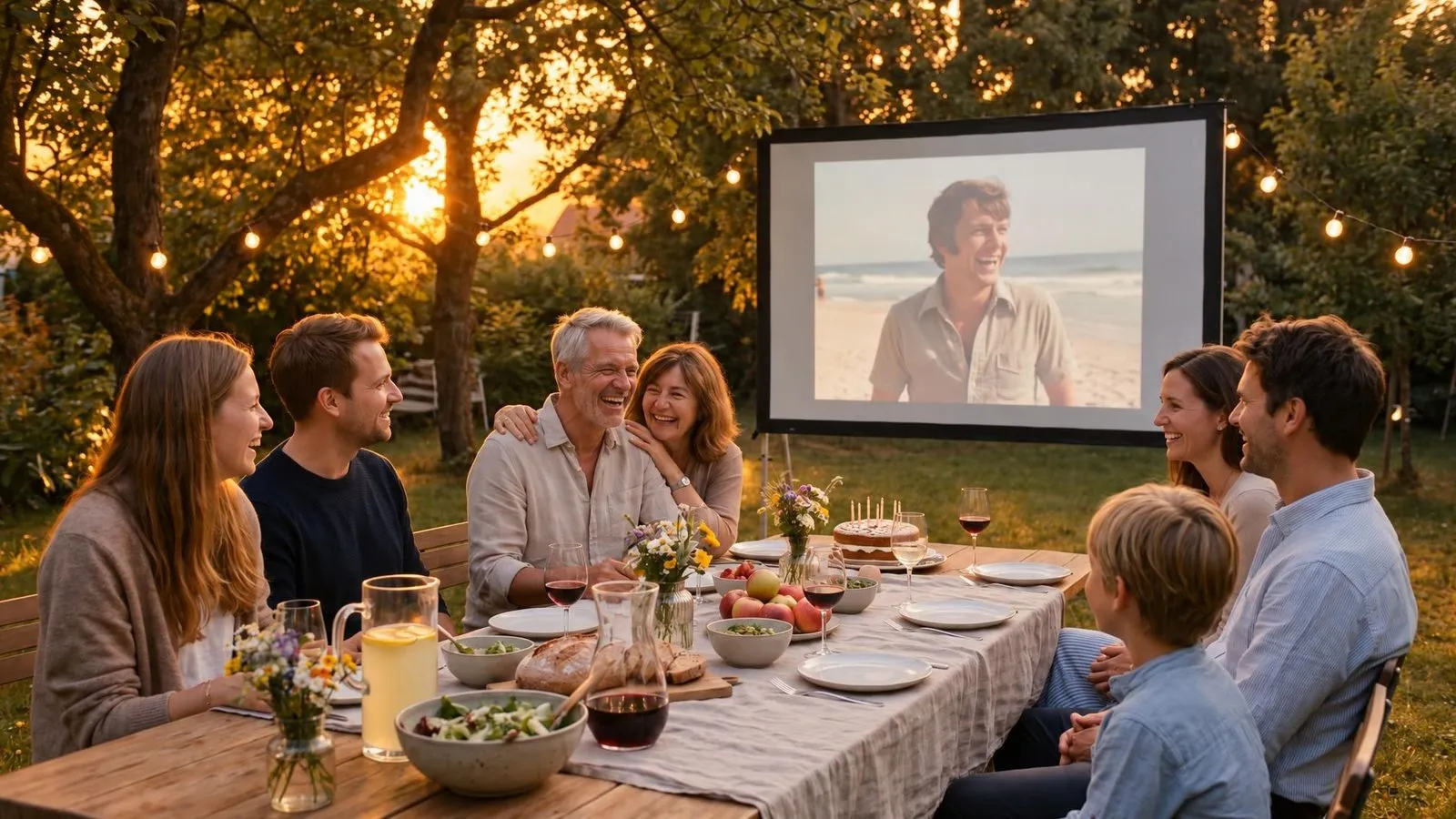
A big birthday film honors a parent's life by bringing together decades of memories. You can combine old black and white prints with recent family videos to show their whole story.
Collect photos from every decade
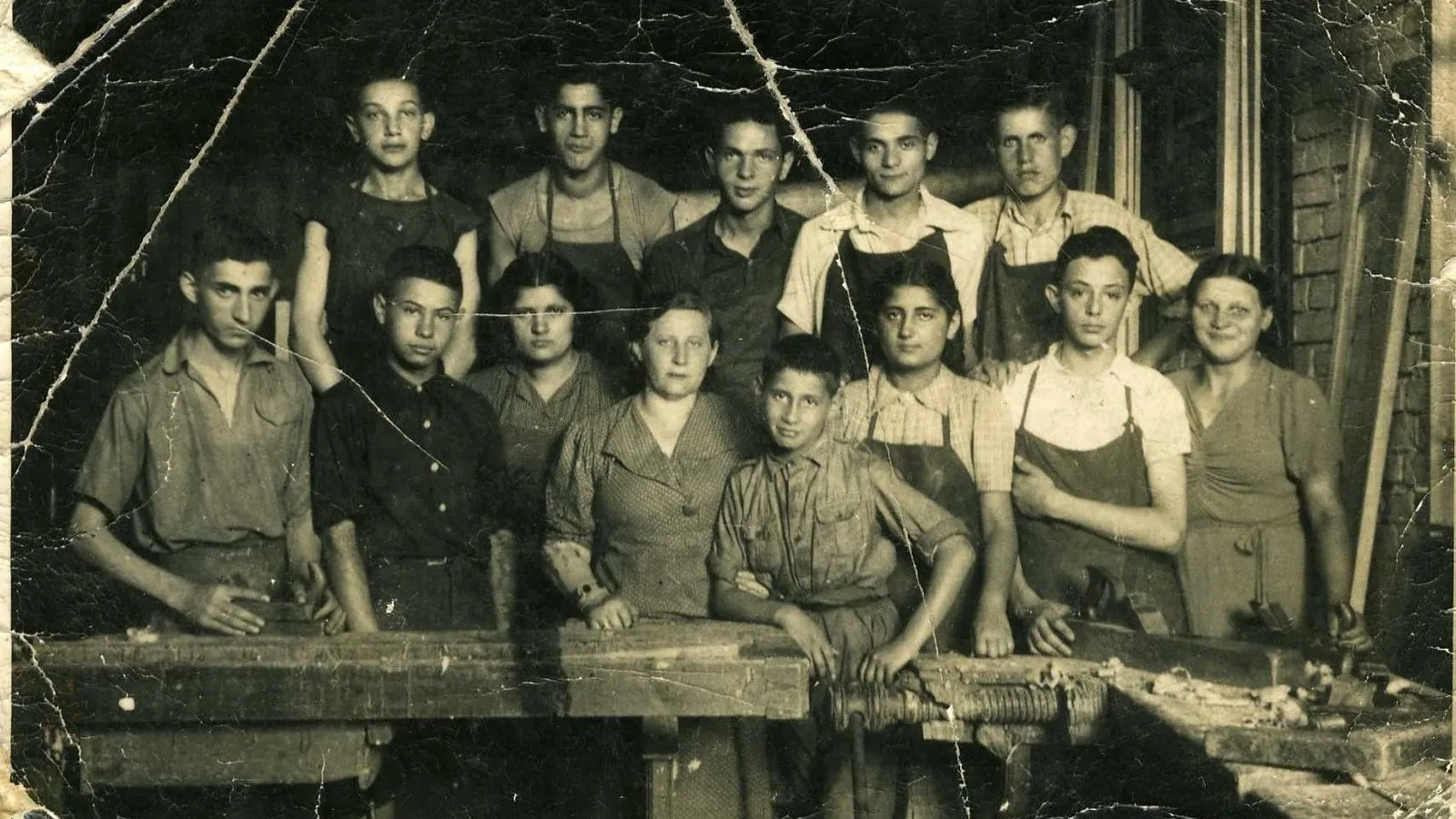
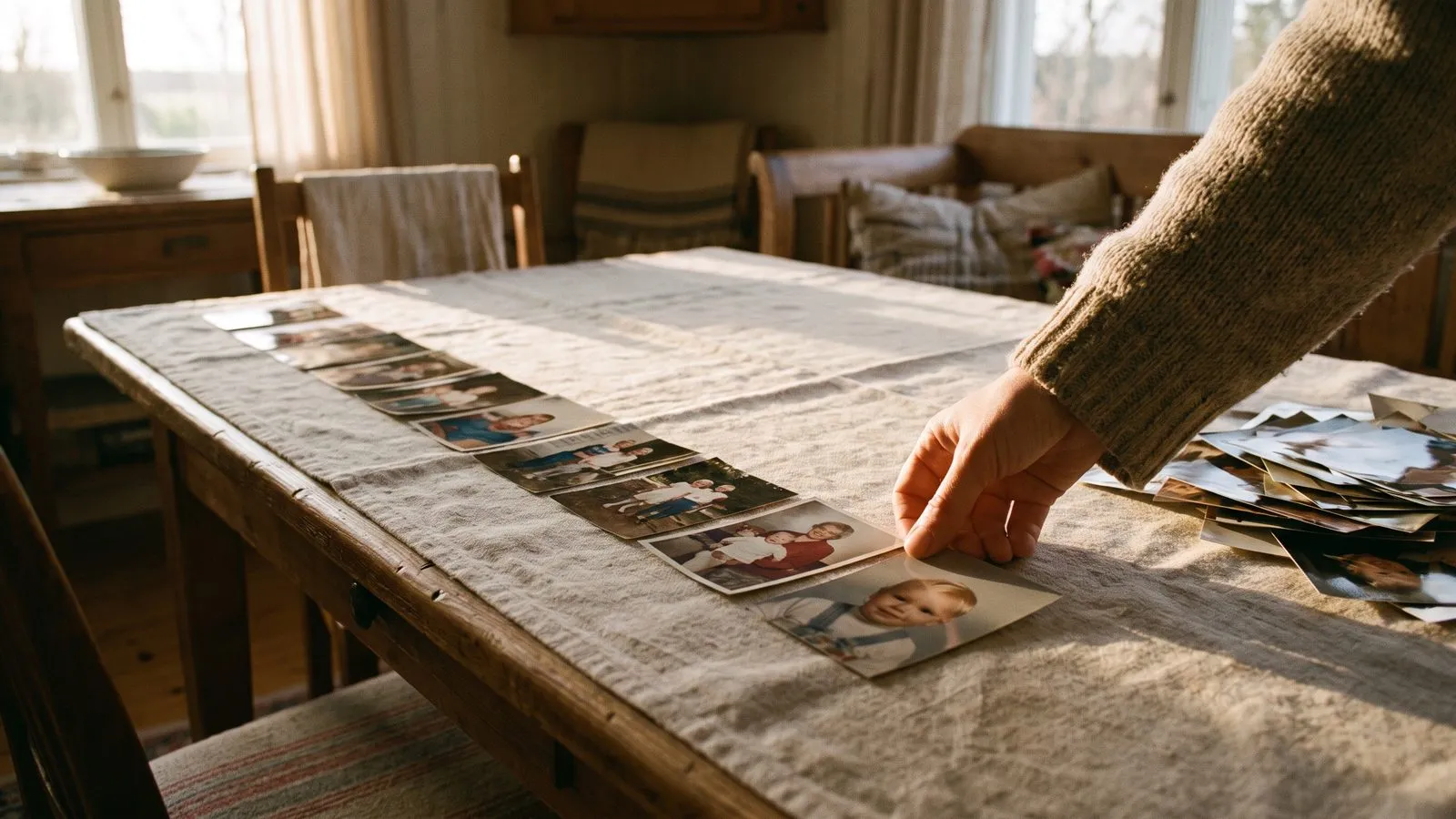
A 70th or 80th birthday is a major milestone. To make a film that covers their whole life, you need to gather photos from different eras. Start with their childhood and early adulthood. You will likely be dealing with old physical albums. The best way to scan an old album is to take a photo of each print with your phone.
Find soft daylight, hold the phone straight above the photo, and avoid reflections and shadows. Then, move on to photos of them raising their own children, and finally, recent pictures with their grandchildren. Mixing these eras shows a full, rich life. If you need advice on balancing the old and the new, read our guide on choosing photos and videos.
| Decade | Type of photo |
|---|---|
| 1950s to 1970s | Black and white prints, faded colour |
| 1980s to 1990s | Family holidays, soft scans |
| 2000s to today | Digital photos, phone videos |
Ideas that work
- 1Start with their childhoodUse a few very early photos of them as a young child to open the film.
- 2Include their hobbiesAdd photos of them gardening, painting, or doing what they love most.
- 3Gather the grandchildrenMake sure to include recent photos or short videos of them playing with their grandchildren.
- 4Use a favorite old songUpload a song from their youth that they still hum today.
- 5Write a family dedicationUse the closing card to sign off with love from all the children.
- 6Host a quiet viewingPlay the film in the living room with just the close family around.
Restore the old prints
When you use photos from fifty or sixty years ago, they often show their age. They might have creases, torn corners, or faded colours. You do not need to worry about fixing these before you upload them. The photo restoration does it for you. It repairs what time did, and soft scans are sharpened.
Black and white photos come back in colour, which can be a wonderful surprise for a parent who has only ever seen those moments in grey. If you prefer the vintage look, you can turn the restoration off to keep the originals as they are. You can see how this looks on our family tribute page, which has examples of older photos brought to life.
In Linof: For old black and white photos, the restoration brings them back in colour. You can choose the Classic style to bring each photo to life on its own, or the Growing style to melt one photo into the next so one person grows up in front of your eyes. Family tributes
Add an opening message
Setting the scene at the start of the film makes it feel like a true gift. Every film can open with a short AI video made just for them. You choose a theme, add their name and a few words of yours, and we make the opening. It comes at no extra cost. This is a lovely way to say a proper happy birthday before the memories begin.
You can also add an opening and a closing card with a simple title or a short dedication. A thoughtful last word at the end of the film, in your own writing, leaves a lasting impression. For more ideas on how to start and end, read our guide on opening and closing.
Plan the length of the film
When covering a long life, it is tempting to use hundreds of photos. However, a very long film can become overwhelming. A film can run up to thirty minutes, but a four or five minute film is usually a great choice for a 70th or 80th birthday.
It gives you enough time to cover all the decades without losing the attention of the family. Remember that twelve photos or video moments make a minute. Take your time to select the very best moments rather than including everything. If you are unsure, you can learn more about how long the film should be to help you decide.
Questions
Can I use home videos from old VHS tapes?
Yes, if you have the video files on your phone or computer. You can upload them in MP4 or MOV format.
What if I do not like the restoration on a specific photo?
You can turn the restoration off for that photo and keep it exactly as it is.
Should I organize the photos chronologically?
Yes. For a big birthday, starting with their childhood and ending with today makes the most sense.