A memorial film, made gently
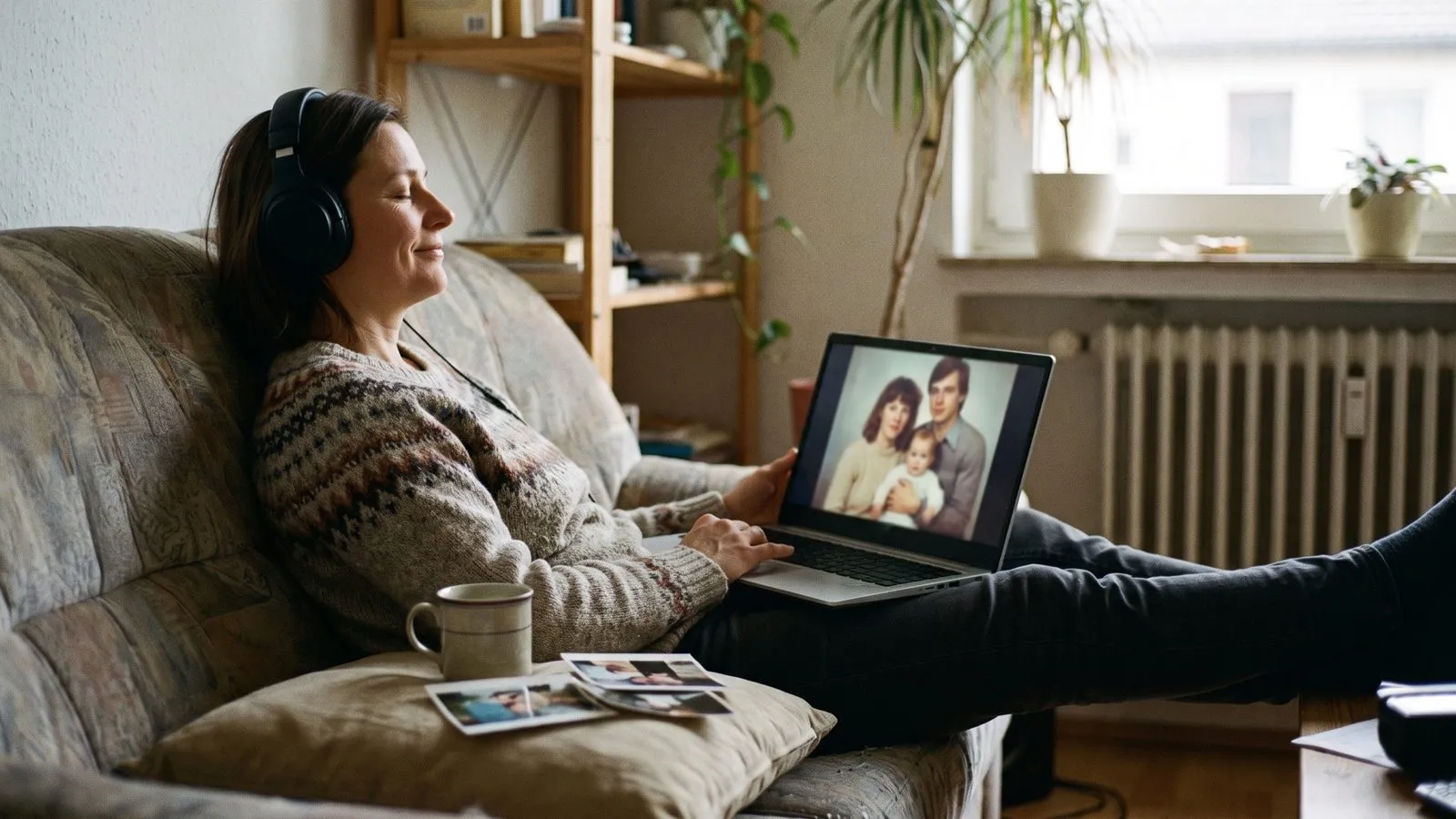
A memorial film is a quiet, respectful tribute to someone who has passed away. By gathering their best photos and setting them to gentle music, you create a space for family and friends to remember them.
Choose photos with care
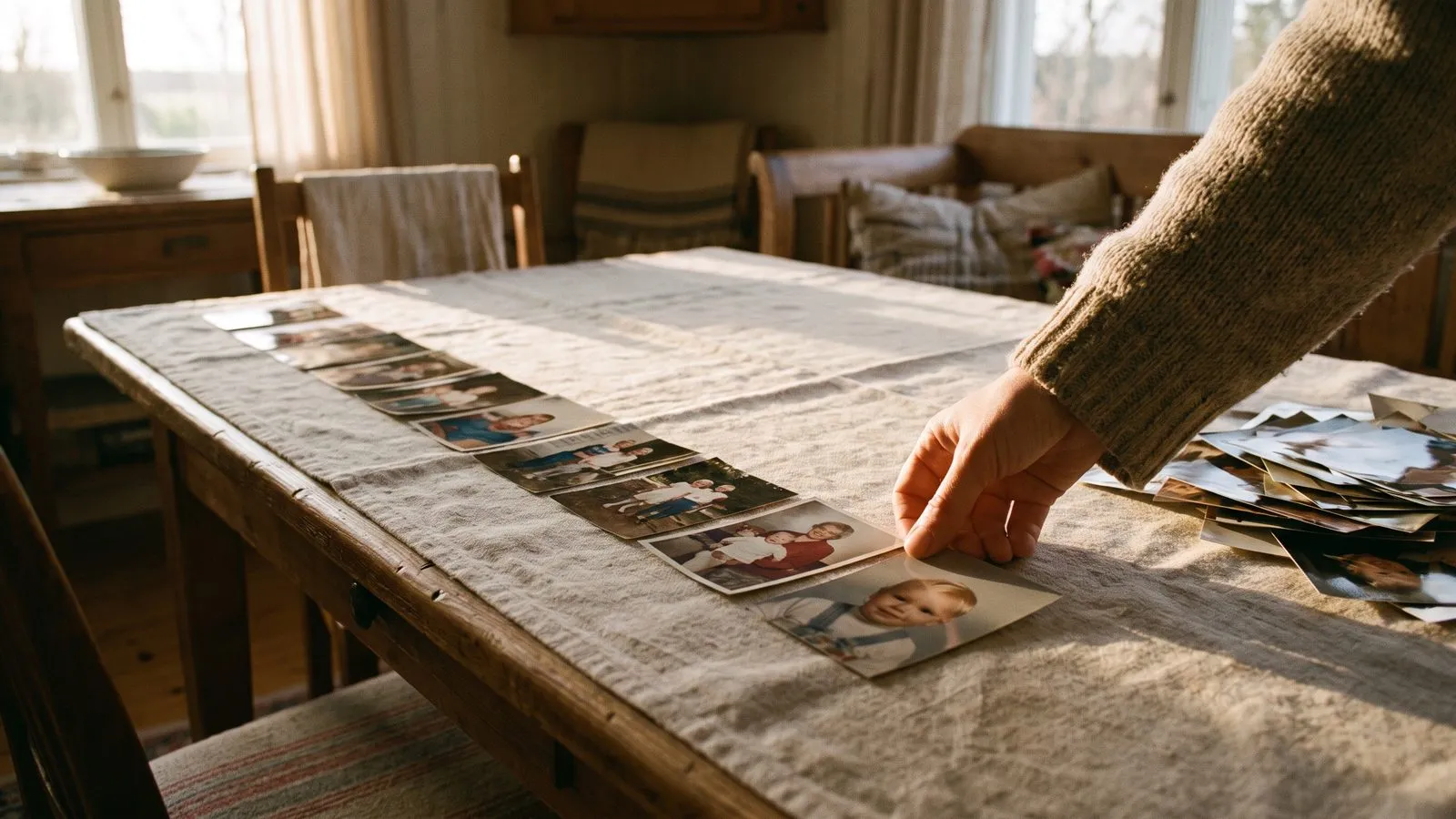
Making a memorial film is an emotional task. Take your time looking through old albums and phone folders. You want to find photos that capture their true personality. Look for pictures where they are smiling, relaxed, or surrounded by family.
Photos with clear, visible faces and good light work best, but old, faded photos are just as valuable. The result depends on how much of the face is there to work with. You might need to ask relatives to send you their favourite pictures. Gathering twenty four to thirty six photos will give you a two to three minute film, which is a good length for a memorial service. If you need guidance, read our advice on choosing photos and videos.
| Part of the film | What to include |
|---|---|
| The opening | Their name and years of life |
| The middle | Photos of their youth, family, and hobbies |
| The closing | A short message of love and remembrance |
Ideas that work
- 1Focus on their smileChoose photos where they look happy and at ease.
- 2Include their passionsAdd a photo of them in their garden, workshop, or favourite walking spot.
- 3Keep the music calmPick a gentle instrumental track that allows people to reflect quietly.
- 4Use a simple titleOpen the film with just their name and the years of their life.
- 5Show them with othersInclude a few group photos to show the people they loved.
- 6Share the link privatelySend the finished film directly to close family members who could not attend the service.
Select a gentle style
A memorial film should feel calm and respectful. The way the photos move plays a big part in this. Inside the Classic style, the Natural movement style works well for everyday photos of people. It brings a soft, lifelike motion to the images without being distracting.
If you are unsure which style feels right, remember that your draft stays. You can change the style and make the film again. Only new animations cost anything.
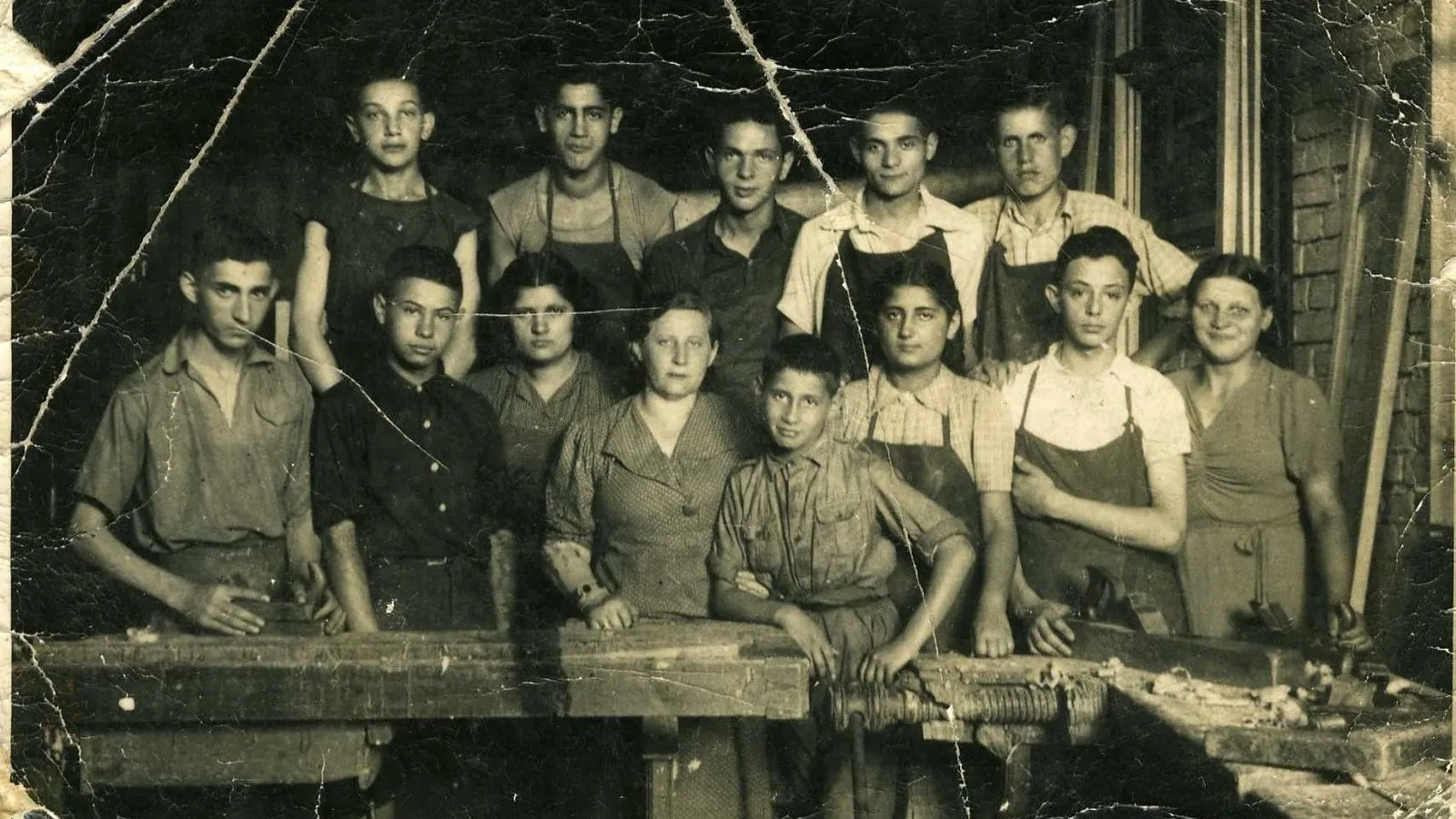
In Linof: Photo restoration repairs what time did: fading, scratches, creases and torn corners. Black and white photos come back in colour, and soft scans are sharpened. Memorial films
Pick quiet music
The music you choose sets the mood for the entire tribute. For a memorial, soft instrumental music is usually the best choice. It gives people space to reflect and remember. You can pick a calm track from our library, or you can upload songs of your own, up to six in one film.
Sometimes, using a piece of music that the person loved brings great comfort to the family. Since narration and subtitles are not available, the music is the only sound in the film. If you have home videos, their sound is off so the music can play uninterrupted. For more help finding the right tone, read our guide on picking the music.
Share it respectfully
Think about when and where the film will be seen. Many families play a memorial film during a wake or a reception. If you do this, choose a quiet corner where people can watch it when they feel ready. You can choose a shape for your film that fits the screen you will use, like wide for a TV or the classic 4:3 of old prints.
After the service, you might want to share the film with those who could not travel. We email you a link the moment it is ready. Only people you send the link to can watch, so it remains private. For more details on playing the film, see showing the film at the event.
Questions
How long should a memorial film run?
Two to three minutes is usually appropriate. It is long enough to honor their life, but short enough to hold attention during a service.
Can I add text to explain the photos?
You can add an opening and a closing card, but you cannot add subtitles to individual photos.
What if I need to change a photo after seeing the film?
You can change the film after it is made. Your draft stays, so you can swap a photo and make the film again.