How to choose photos and videos for your film

A good film mixes clear faces with action shots and home videos. Start by gathering your favourite moments from phones and old albums, then narrow them down to the best twelve for every minute of film.
Gather everything first
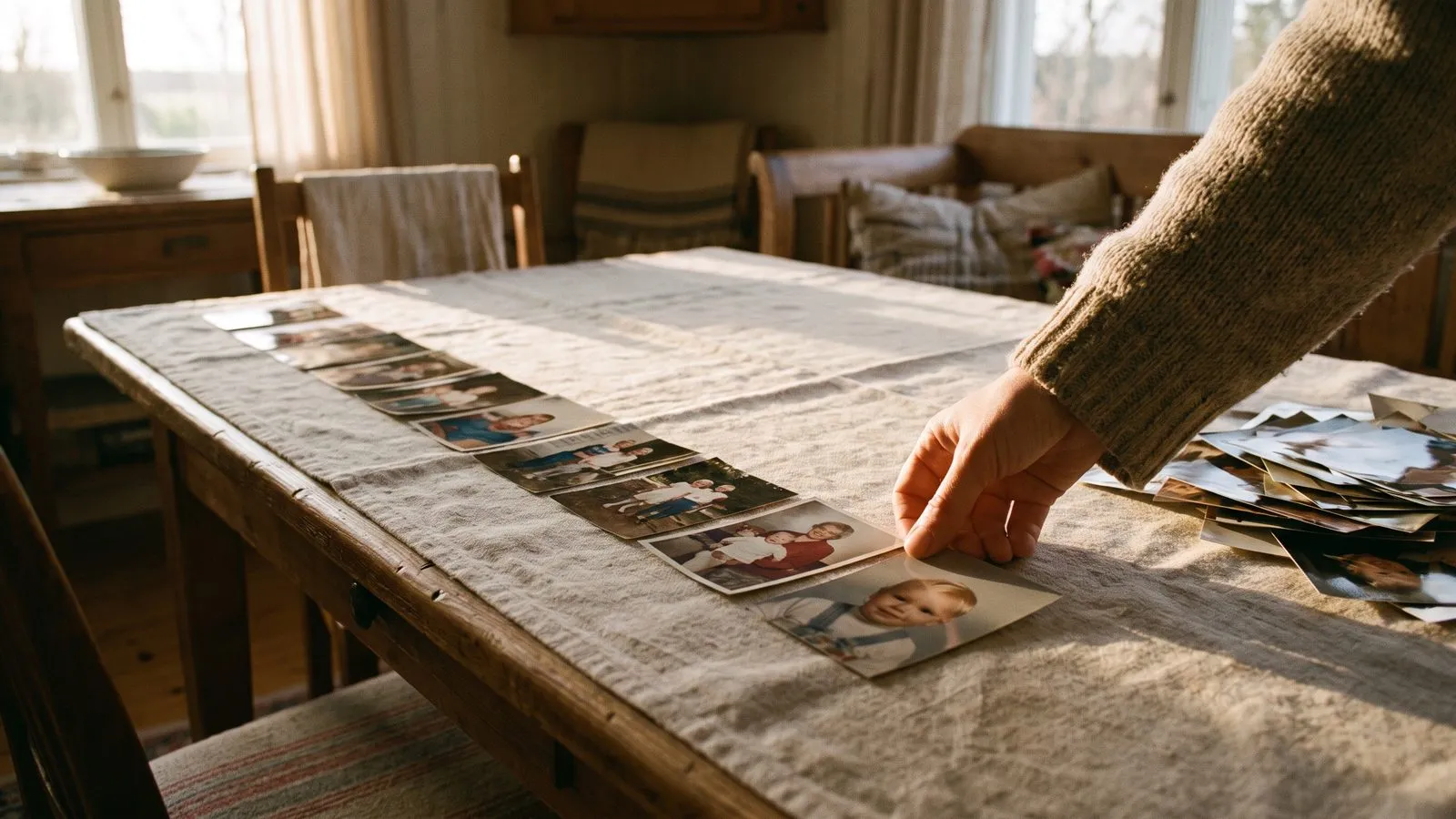
Start by throwing every photo and video you like into one folder on your phone or computer. Do not worry about the numbers yet. Look through your recent phone albums and pull out the funny moments, the quiet afternoons and the big celebrations. Ask your family members to send their favourite memories too. Sometimes a sibling or a grandparent has a wonderful photo you have never seen before. Once you have a big collection, you can start picking the best ones.
You will need twelve photos or video moments to make a minute of film. If you want a three minute film, you need thirty six items. Knowing how long the film should be helps you decide how many to keep. It is always better to start with too many options and slowly remove the ones that do not fit the story you want to tell. Keep the images that make you feel something strong.
| Type of memory | What it adds to the film |
|---|---|
| Close portraits | Shows clear faces and expressions |
| Action shots | Brings energy and movement |
| Home videos | Captures real laughs and atmosphere |
Ideas that work
- 1Group by ageSort your photos into piles for each decade of their life. This makes it much easier to see if you missed an important era.
- 2Look for messy momentsInclude the photos where the kitchen is a mess or the children are covered in mud. These often hold the best real memories.
- 3Skip the posed shotsChoose the candid moments where they are looking away or laughing instead of standing perfectly still for the camera.
- 4Include the petsDo not forget the family dog or childhood cat. Adding a photo of a beloved pet always brings a warm smile to the room.
- 5Use the cake videoFind that old clip of someone blowing out birthday candles. It brings wonderful movement to the middle of your film.
- 6Ask family for favouritesSend a message to cousins and grandparents asking for their one favourite photo. You will often discover beautiful images you have never seen.
Find the clear faces
When you look through your folder, pay attention to the faces. Photos with clear and visible faces work best. Good light makes a big difference. If a face is hidden in shadow or turned away, it might not look right when it moves. Old and faded photos work too. The result depends on how much of the face is there to work with. If you have a blurry photo you love, try it anyway.
Your first animation is on us, so you can see how it looks before you decide. Keep a balance between close portraits and wider shots. A film full of only faces can feel heavy. Mix them with photos where people are doing something interesting. This keeps the viewer watching and makes the final result feel like a real journey through their life. Variety is the key to a beautiful result.
In Linof: You can swap any video moment for another if you prefer a different part of the clip, and your draft stays so you can always change your mind later. How it works
Mix photos and video
Home videos bring wonderful energy to your film. Look for short clips of people laughing, dancing or blowing out candles. We watch each video and pick its best moments. Each moment runs for five to eight seconds. You can swap any of them for another if you prefer a different part of the clip. Videos are sharpened, but they are never coloured or animated.
Their sound is turned off so the music can play. This makes them blend smoothly with your photos. If you want to see examples, you can look at how it works. Try to put a video moment after every three or four photos to keep the film moving. Mixing different types of media creates a rich experience that feels very special to watch. It brings a new rhythm to the memories.
Photograph your old prints
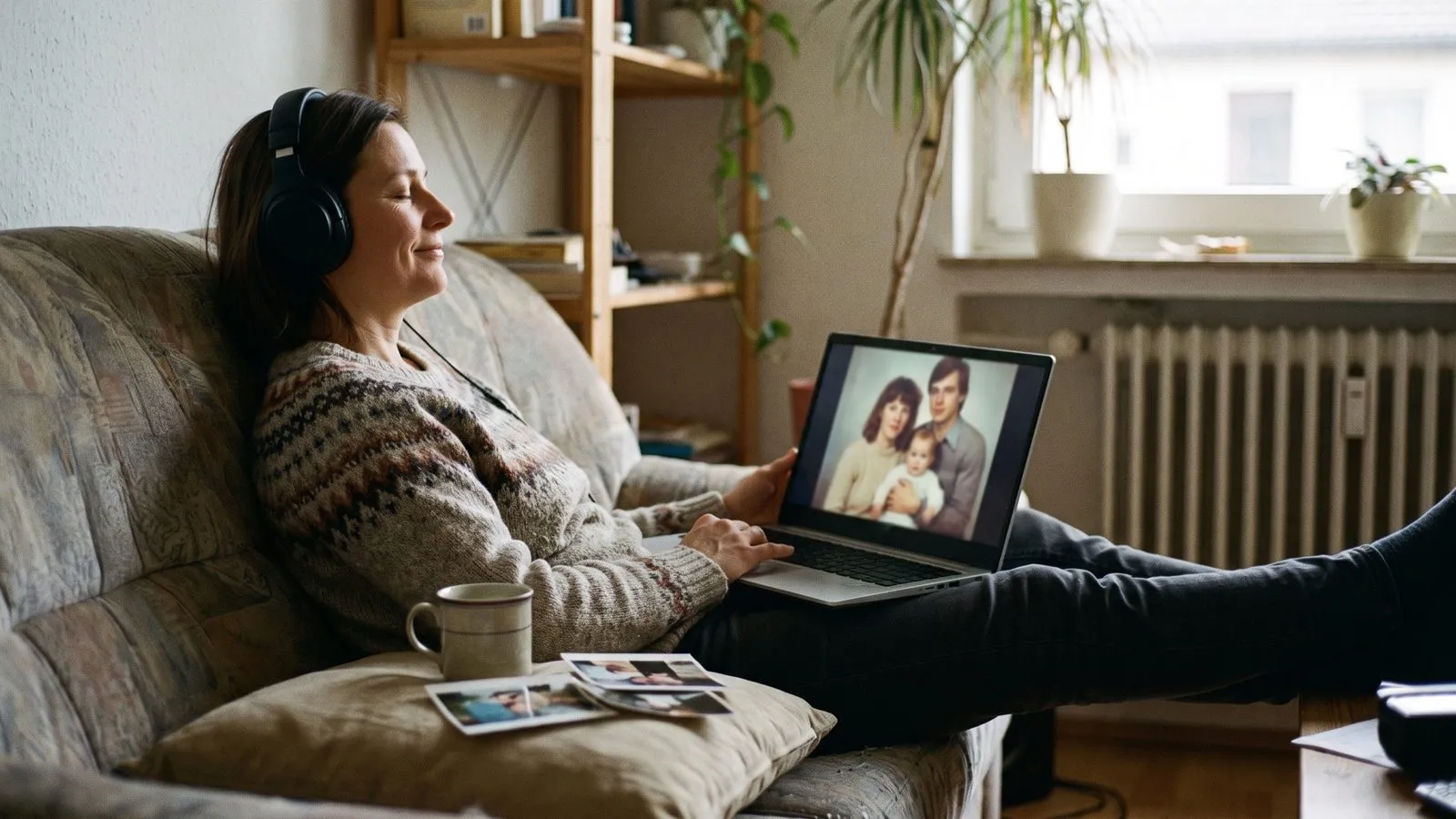
Old photo albums hold some of the best memories. You do not need a scanner to use them. Take a photo of each print with your phone. Find soft daylight near a window. Hold the phone straight above the photo. Avoid reflections and shadows from your hands. If you want to learn more about handling delicate albums, the US National Archives explains how to digitise family photos safely.
The restoration will repair what time did. Fading, scratches, creases and torn corners are fixed. Black and white photos come back in colour, and soft scans are sharpened. If you prefer the vintage look, you can turn the restoration off to keep the originals as they are. Taking the time to capture these old prints adds a beautiful layer of history to your project. It connects the past to the present.
Questions
Do blurry photos work?
Old and faded photos work well. The result depends on how much of the face is there to work with, so try it and see.
Can I use black and white prints?
Yes. The restoration brings black and white photos back in colour. You can turn this off to keep the originals as they are.
How do I handle delicate albums?
Take a photo of each print with your phone in soft daylight. Avoid reflections and hold the phone straight above the photo.