Picking the best music for your film
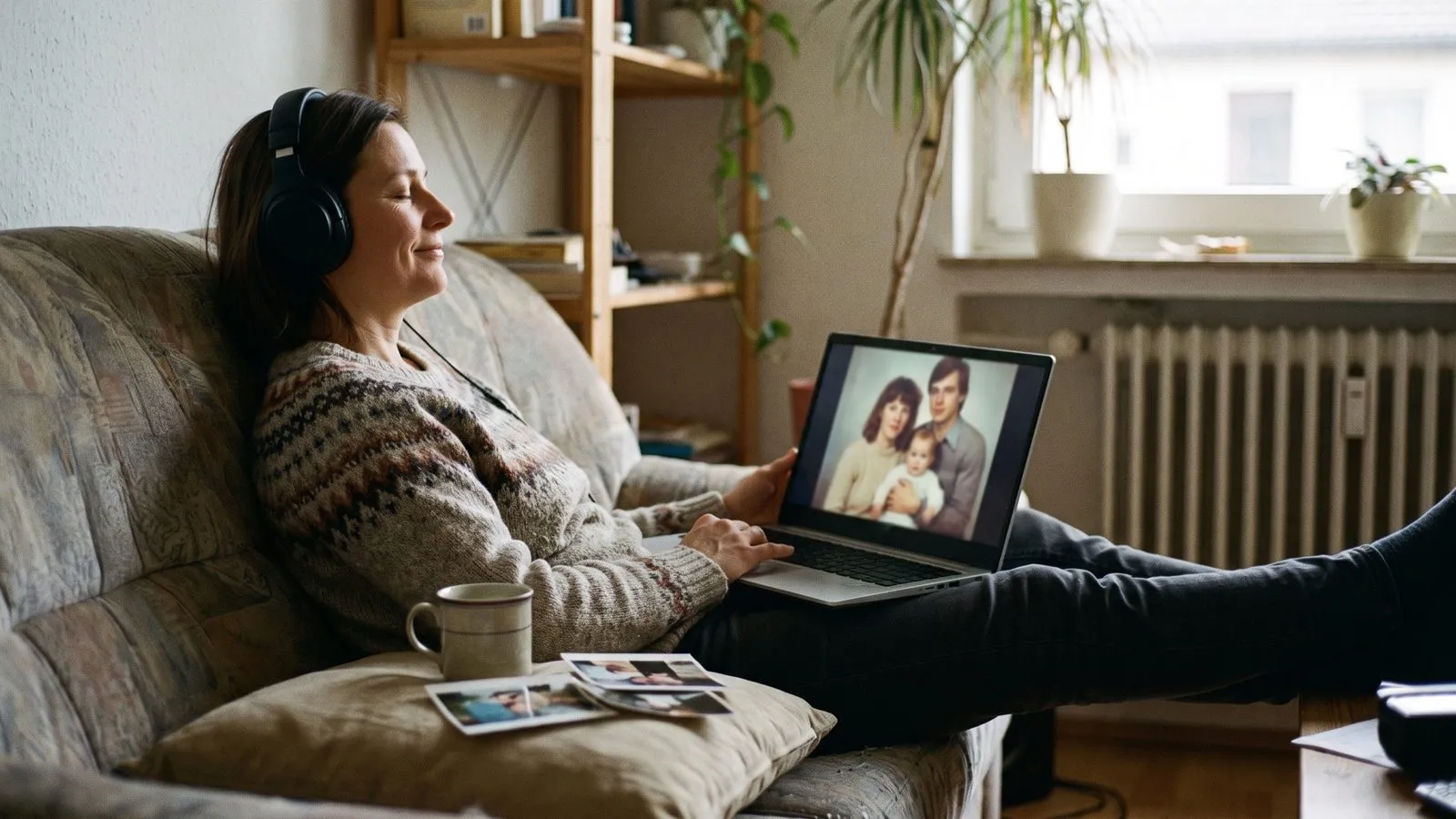
The right music sets the mood before the first photo even appears. You can choose a track from our library or upload your own songs to make the film feel completely personal.
Set the right mood
Music tells the audience how to feel before they even see the first image. A slow piano melody brings a sense of nostalgia and quiet reflection. A fast acoustic guitar brings joy and energy. Think about the person you are celebrating and the tone of the event. An anniversary party might need something romantic, while a children party needs something bright and fun.
Listen to a few different options before you decide. You can pick a track from our library to keep things simple. The library has a variety of moods designed to fit different occasions. The music plays a huge role in tying the whole experience together. It bridges the gap between old black and white prints and recent phone videos, making them feel like one complete story.
| Music choice | Best used for |
|---|---|
| Instrumental tracks | Quiet family evenings and memorials |
| Upbeat pop songs | Children parties and lively birthdays |
| Classic love songs | Anniversaries and romantic events |
Ideas that work
- 1The favourite songUse the song they always sing in the car. It instantly makes the film feel like it belongs to them.
- 2The instrumental choicePiano or acoustic guitar tracks work beautifully because they do not distract from the faces on the screen.
- 3The era matchIf most of the photos are from the seventies, upload a popular track from that decade to match the vintage feel.
- 4The upbeat startStart a birthday film with a fast and happy song to get everyone clapping along right away.
- 5The slow buildChoose a song that starts quietly and grows louder. It makes the final photos feel incredibly powerful.
- 6The silent optionIf you are playing the film at a noisy party, you can let it run silently while the venue music plays.
Use your own songs
Sometimes only one specific song will do. It might be the song they danced to at their wedding, or a track that always played in the house when they were growing up. A film can play up to six songs, and you can upload your own as MP3 or WAV files. This allows you to completely personalise the soundtrack.
When you upload your own songs, make sure they are good quality files. The sound of your home videos is turned off so the music can play without interruption. This means your chosen songs will carry the entire emotional weight of the film. Take your time to find the exact version of the track you want. A live version might have crowd noise, while a studio version sounds much cleaner.
In Linof: Pick up to six songs: from our library, your own MP3 or WAV files, or a song made for the film. How it works
Match the pace well
The rhythm of the music changes how we see the images. A fast song makes the photos feel like they are moving quickly, even though the timing on screen remains steady. A slow song gives the viewer time to linger on every detail. Consider the style of your film. If you have many quick action shots, an upbeat track fits well.
If you are using the Growing style where one photo melts into the next, a smoother and slower track often works best. It matches the gentle transition between the years. You can experiment with different tracks. Your draft stays, so you can change the music and make the film again. Only new animations cost anything.
Let the music lead
Once you have chosen your music, think about how it works with your opening and closing. The opening titles appear as the music begins to play, setting the stage. The closing card stays on screen as the final notes fade out. The music wraps around these text elements to create a polished and complete presentation.
Each song plays once, in order. When the last song ends, the film goes quiet for the rest, so for a long film add enough songs to cover it. The Music page shows how far your songs reach. Trust your instincts when picking the music. You know the person better than anyone else, and the song that makes you think of them is almost certainly the right choice for the film.
Questions
How do multiple songs play together?
Each song plays once, one after the other, in the order you set. Nothing repeats. When the last song ends the film goes quiet, so add enough songs to cover the whole film.
Do my videos play with sound?
No. Their sound is off so the music can play without interruption.
What happens to the music during titles?
The music begins to play as your opening titles appear on screen, and the final notes fade out while your closing card stays on screen.