A birthday video for your child
The Linof team · September 29, 2026 · 4 min read
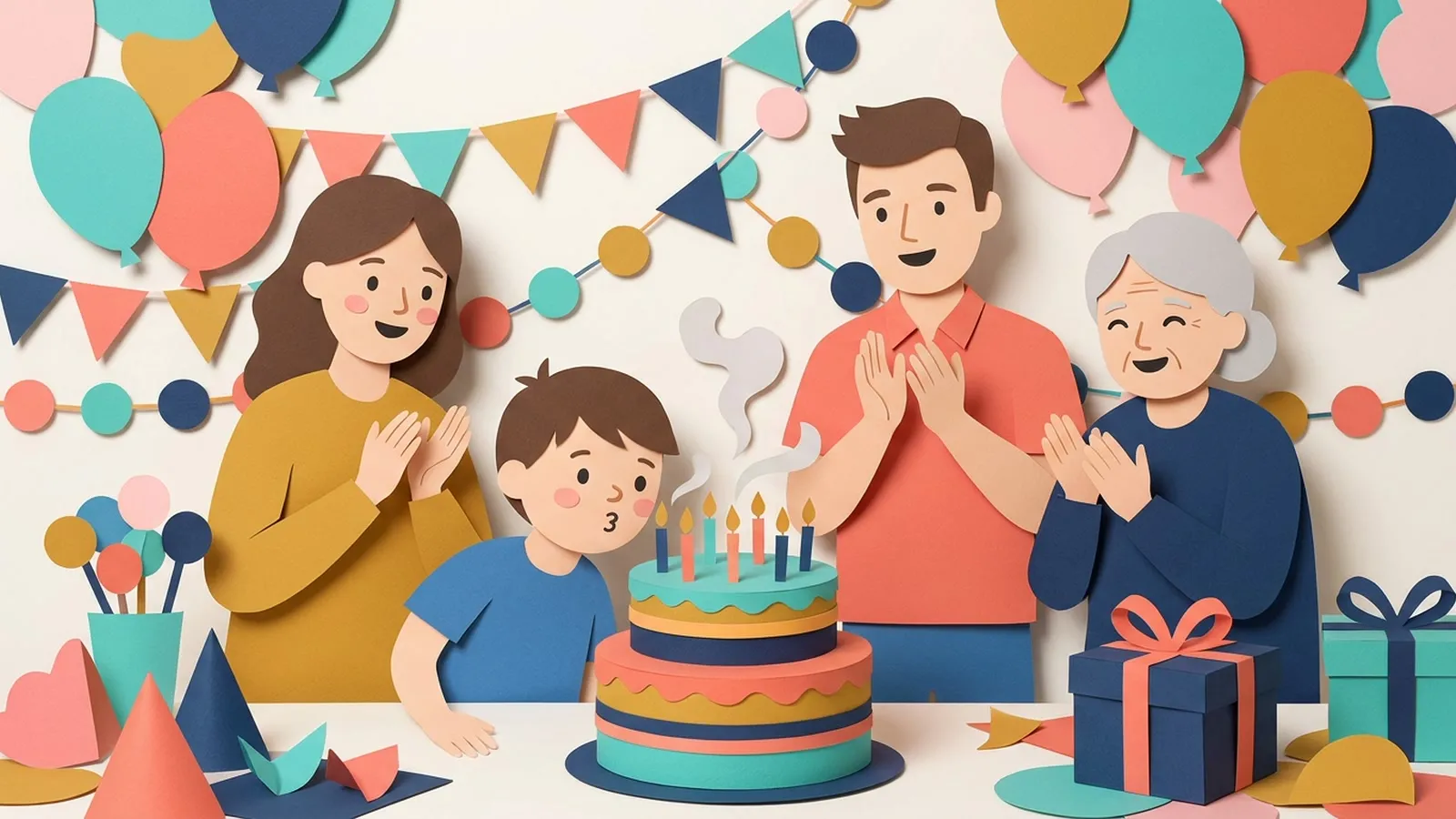
A birthday video brings together the highlights of your child's past year. You can easily mix their everyday phone photos with a few short home videos to play at their party.
Gather their best everyday moments
When a birthday approaches, you likely have hundreds of photos on your phone. The first step is to look back through the past twelve months. You do not need to find flawless portraits. Often, the best photos are the ones where your child is simply playing, eating, or making a mess. Look for clear faces and good light. These everyday moments tell the real story of their year.
A good rule is to pick photos that show different activities, like a day at the park, a quiet moment with a book, or a messy afternoon in the kitchen. Since twelve photos or video moments make one minute of video, you only need to select a handful. If you want a two minute video, gather twenty four items. You can always read more about choosing photos and videos to help narrow down your favourites.
| Age | Recommended video length |
|---|---|
| 1 to 3 years | 1 minute |
| 4 to 7 years | 1 to 2 minutes |
| 8 to 12 years | 2 to 3 minutes |
Ideas that work
- 1The first year in monthsPick one photo from every month of their first year.
- 2The same birthday spotTake a photo in the exact same chair or corner every year.
- 3Include the cake videoUse a short home video of them blowing out the candles last year.
- 4Play it before the cakeShow the video to your guests right before bringing out this year's cake.
- 5Everyday messy momentsDo not just use flawless portraits. Include photos of them covered in paint or mud.
- 6A message for laterWrite a closing card they can read when they are older.
Mix photos and home videos
Photos capture a single second, but home videos bring back the sounds and the movement of that age. You can easily mix both in your video. Go through your phone and find a few short clips. Maybe it is your child taking their first steps, laughing at a family pet, or splashing in a puddle. When you add these, they will play between your photos.
Each video moment lasts five to eight seconds. This is just enough time to share a memory without losing the attention of your guests. If you choose the Classic style, your photos are brought to life on their own, and your videos play smoothly between them. You can read more about the different options on our styles page.
Keep the video short and sweet
Young children have short attention spans. When you play a video at a birthday party, you want to keep everyone engaged. A video that runs for one or two minutes is usually plenty. This means you only need twelve to twenty four photos and videos in total. A shorter video is also easier to share with family members who live far away.
They can watch a quick one minute update on their phone. If you are unsure about the length, it is better to leave them wanting more than to make the video too long. You can learn more about how long the video should be for different situations. Remember, a video can run up to thirty minutes, so you have flexibility.
Prepare the party screening
Showing the video at the birthday party takes a little preparation. Think about where your guests will gather. If you are hosting at home, the television in the living room is a great choice. You can choose a wide shape for your video so it fills the screen. Make sure the room is not too bright, and check that the sound is turned up.
The music adds a lot to the experience. A good time to play the video is right before you bring out the birthday cake. Everyone is already gathered together, and the video builds anticipation. You can find more tips on showing the video at the event to make sure everything goes smoothly.
Questions
Should I include photos of other family members?
Yes. Including a few photos of your child with grandparents, siblings, or family pets adds warmth to the video.
Can I use photos from their previous birthdays?
Absolutely. Mixing a few older photos with recent ones shows how much they have changed over the years.
What if the toddlers get restless during the video?
Keep the video to one minute. A short video with lively music and the Funny movement style usually holds their attention.