Classic or Growing: choosing a style
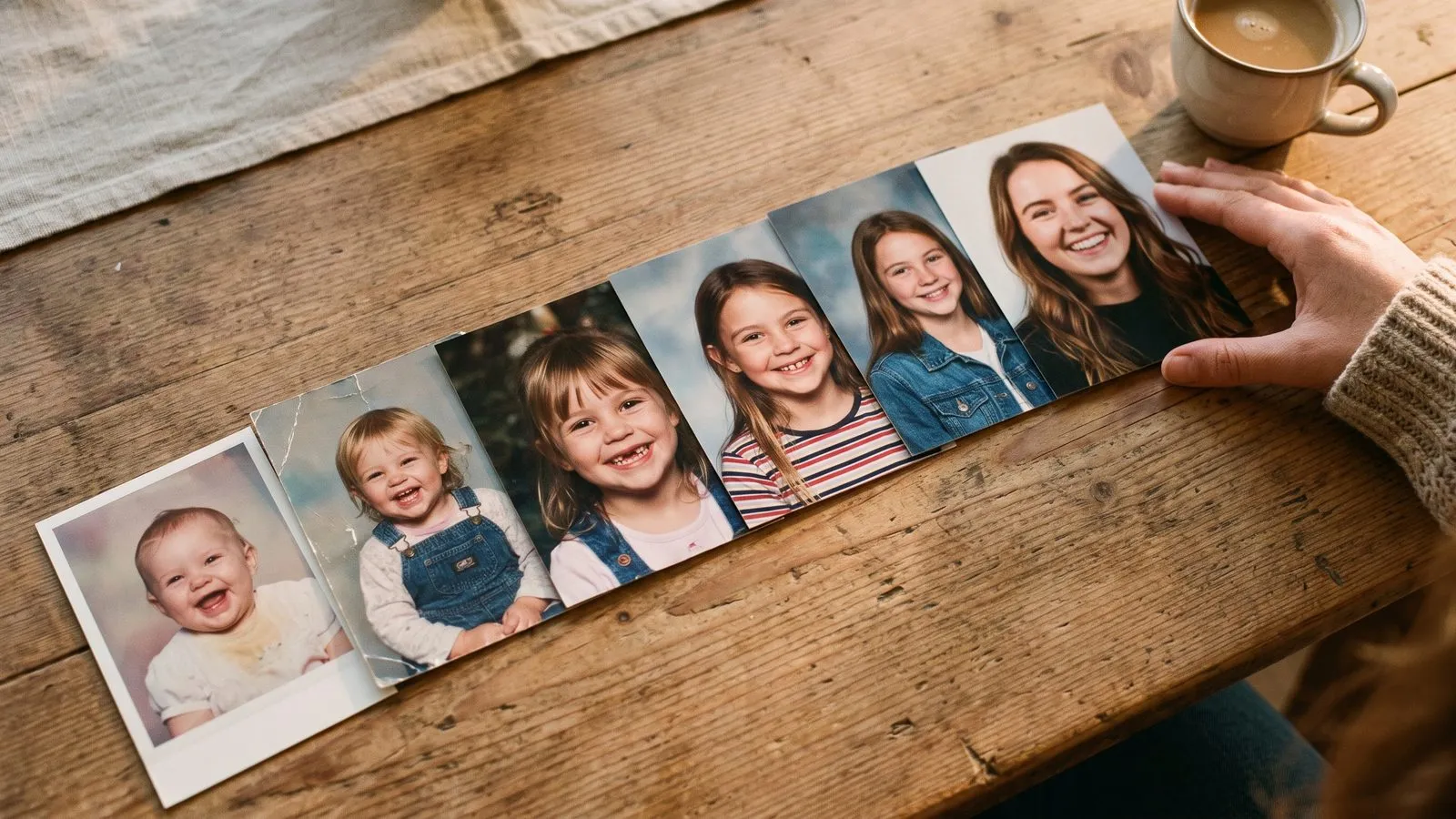
Classic brings each memory to life on its own and mixes in your home videos. Growing melts one photo into the next to show a person changing over time.
Understand the Classic style
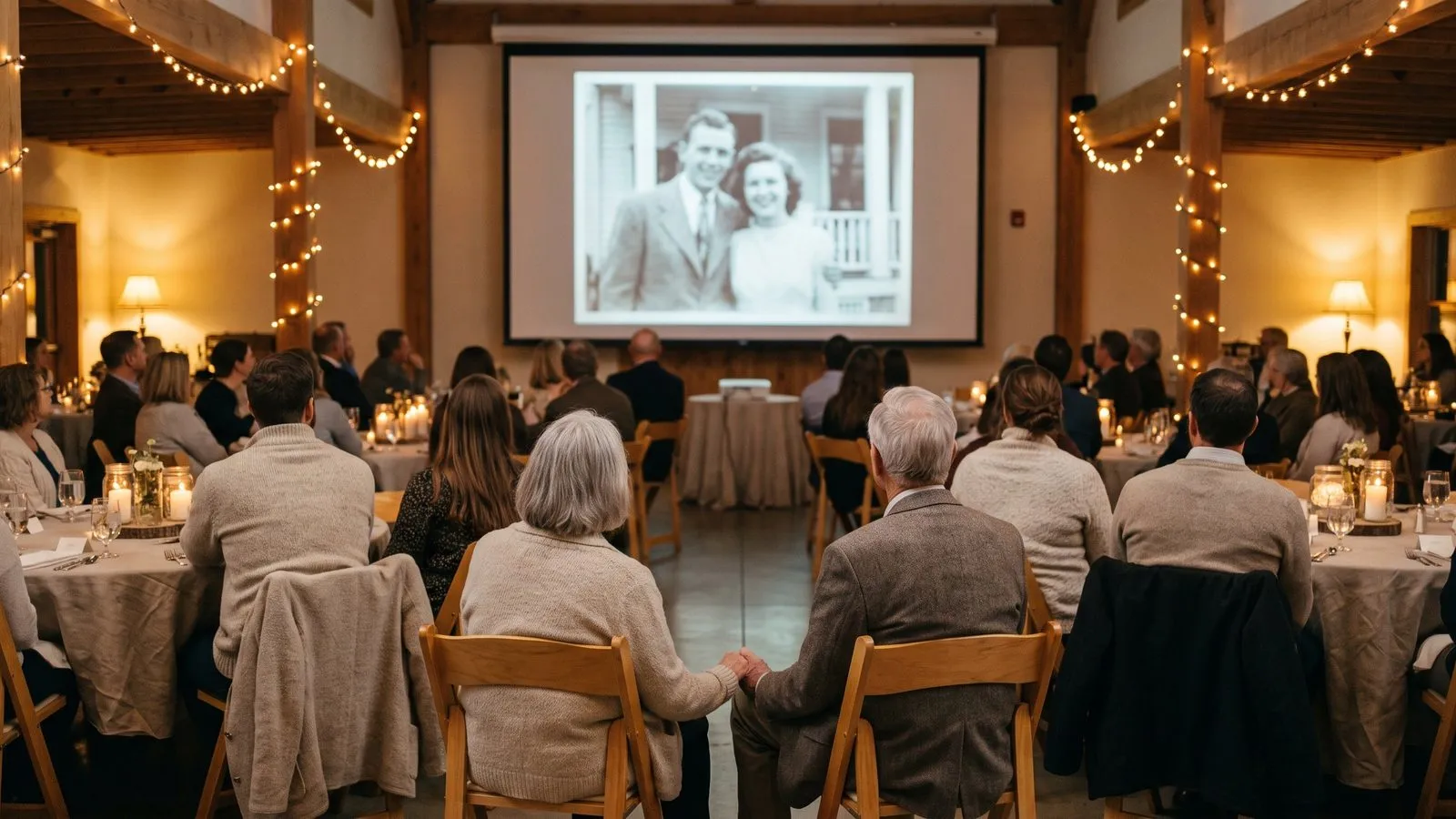
The Classic style is the most flexible way to build your film. It brings each photo to life on its own. This means every image gets its own moment to shine. It works well for telling a varied story with many different people and places. Classic also plays your video moments between the photos, allowing you to mix media seamlessly.
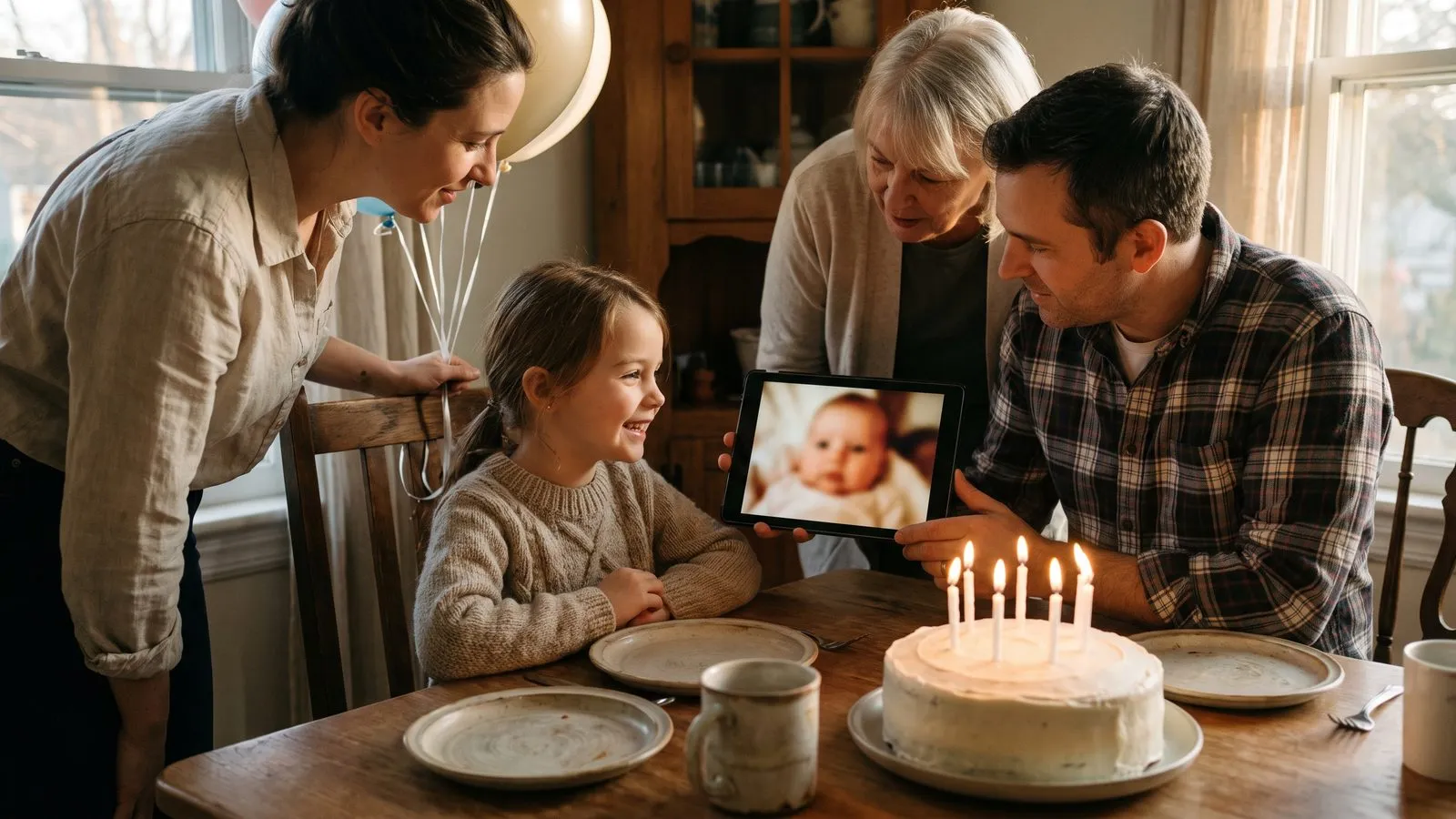
If you are unsure where to begin, Classic is always a safe choice. It works beautifully for birthdays, memorials and big family gatherings. You can read about choosing photos and videos to gather your materials. Because every photo stands alone, you do not need to worry about matching the angles or the lighting from one shot to the next.
If you have home videos, Classic is the right choice. We watch each video and pick its best moments, five to eight seconds each. You can swap any of them for another. The videos are sharpened but their sound is turned off so your chosen music can play clearly in the background.
| Style name | How it works |
|---|---|
| Classic | Brings each photo to life on its own |
| Growing | Melts one photo into the next |
Ideas that work
- 1The baby to adultUse the Growing style to show a child turning into an adult. It is incredible to watch the face mature smoothly.
- 2The yearly portraitFind one school photo from every year and melt them together. It creates a clear timeline of their childhood.
- 3The action sequenceUse the Classic style with the Funny movement for children playing. It captures their wild energy.
- 4The romantic collectionSelect the Romantic movement for an anniversary film. It adds a gentle and loving motion to pictures of couples.
- 5The funny facesPick the Crazy movement for full body photos where people are pulling silly poses. It brings a big surprising reaction.
- 6The family treeMix old black and white prints with recent phone photos in the Classic style to show the whole family history.
- 7The lifetime tributeGather photos of a parent from their childhood to their eightieth birthday. Select the Growing style to watch their whole life unfold in one smooth sequence.
Watch them grow up
The Growing style offers a completely different experience. It melts one photo into the next, so one person grows up in front of your eyes. This creates a powerful visual journey of time passing. Growing uses photos only and needs at least two photos to work. It is deeply emotional and fits milestone birthdays or graduations.
To get the best results with Growing, try to find photos where the person is facing the same direction. The smooth transition between ages is mesmerising. It requires a bit more care when selecting the images, but the final result is truly unique.
In Linof: Classic brings each photo to life on its own and plays your video moments between them, while Growing melts one photo into the next using photos only. See the styles
Pick a movement style
Inside the Classic style, you can choose how the photos move. Natural is great for everyday photos of people. Romantic is designed for couples, adding a soft and tender motion. Funny is meant for children, highlighting movement, jumps and big laughs. Crazy is meant for whole body photos, giving them one big surprising pose.
You can see examples of these on the styles page. The style names stay in English in every language. Think about the personality of the people in the photos. If they are always joking around, Funny or Crazy will suit them well. If you are making a quiet tribute, stick to Natural or Romantic. Matching the movement to the person makes the animation feel real.
Mix the old and new
When working with old black and white photos, photo restoration repairs what time did. Black and white photos come back in colour, and soft scans are sharpened. You can turn it off to keep the originals as they are.
If you do not like one of the animations, you can make it again. This gives you the freedom to test different movements and styles until everything looks exactly the way you imagined. Take your time and enjoy the process.
Questions
Can I use videos in the Growing style?
No. Growing uses photos only. Classic plays your video moments between the photos.
Do videos get a movement style?
No. Videos are sharpened and their best moments are picked, but they are never coloured or animated.
Can I change a Classic film into a Growing film later?
Yes. Your draft stays. You can change the style and make the film again. Only new animations cost anything.
Do I need a certain number of photos for Growing?
Yes. The Growing style needs at least two photos to work. Remember that twelve photos make a minute.