Age morphing video: how to make one from real photos
An age morphing video turns real photos from every age into one smooth change, from baby to today. Here is how it differs from an AI aging filter, and how to make one for an event.
Yarden Cohen · 9 October 2026 · 5 min read
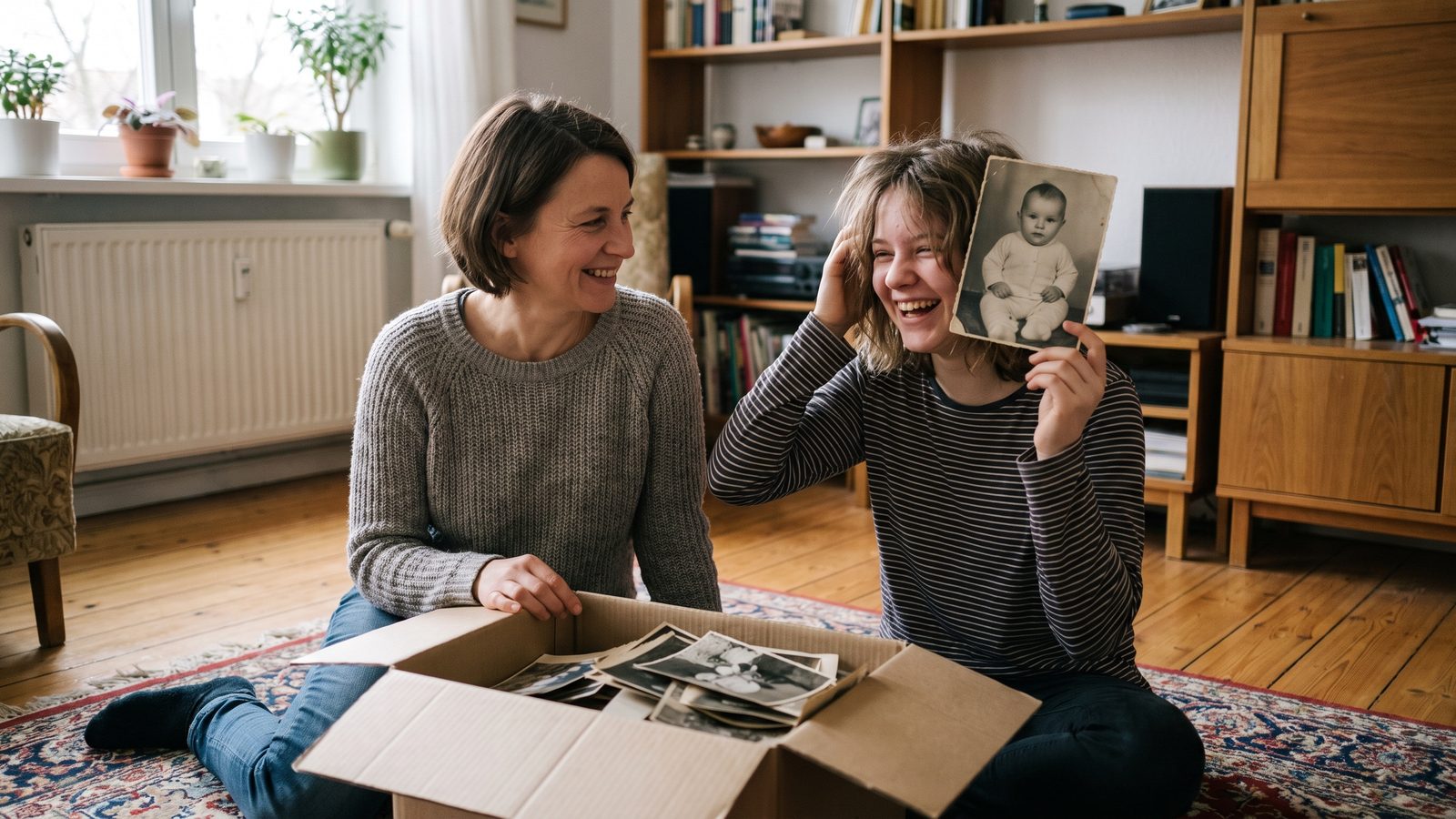
An age morphing video shows one person grow up in a single, smooth shot: a baby photo melts into a toddler, then a schoolchild, a teenager and finally the person today. You make one from real photos of the same face at different ages, put in order and blended one into the next. It is different from an AI aging filter, which takes one photo and guesses a face.
What people mean by an age morphing video
The same video goes by many names. Some call it an age transformation video, a growing up video or an aging video. The names cover two very different things, and it helps to know which one you want before you start.
Made from real photos
You collect real photos of one person across the years and each photo turns into the next. Every face on screen is a face they really had. The change between two photos is a short animation, but the photos at each end are their own.
Made from one photo with an aging filter
An app takes a single photo and shows how that face might look older or younger. It is fun to play with, but the result is a prediction. It is not how your son looked at seven, or how your mother looked at thirty.
For an event, a gift or a family screening, the first kind is the one people mean. The room wants to see the real baby, the real missing front teeth and the real school photo with the bad haircut.
Why real photos make the stronger video
A video made from real photos carries memories the guests share. An aunt recognises the dress from a cousin's wedding. A grandfather remembers the sofa. Each photo is a small story, and the morph between them lets the years pass without a single cut.
They also forgive a lot. A photo does not need to be sharp or modern. A phone photo of a faded print from an album works, as long as the face is clear.
Three ways to make one
- By hand in editing software. You line up the faces yourself, frame by frame, and blend each pair. It gives full control, but it takes hours and some practice.
- With a morph app on your phone. Good for one pair of photos at a time. A whole childhood means joining many short pieces and adding the music yourself.
- With a service made for it. You upload the photos in order, and each pair becomes one animation, with music and words added for you. It is the quickest way when a party date is close.
Whichever way you choose, the photos decide the result far more than the tool does. That is where most of your time should go.
How to make an age morphing video from real photos
- List the ages first. Write down newborn, first birthday, two, three, the first day of school, and then roughly one age a year until today.
- Collect one photo for each age. Look in phone folders, old albums, the grandparents' drawers, school photo packs and the family chat. Photograph prints straight on, by a window, without the flash.
- Choose the clearest face. For each age, pick the photo where the face is largest, the eyes are open and they look towards the camera.
- Put them in order. Youngest first, newest last. When you are not sure of a year, guess from height, teeth and clothes.
- Match the framing. Crop so the face sits at about the same size and place in every photo. Similar framing makes each change smoother.
- Add music and words. Pick a song, an opening title with their name, and a closing line or a date.
For the full walk through, with ideas for each stage, see our guide on how to make a growing up video.
Photos that morph well, and the hard ones
Some photos change into the next one smoothly. Others fight it. A few you will meet:
- Group photos. Fewer than four faces in the frame works best. With more, faces can get mixed up as one photo becomes the next. Crop in close, or choose another photo.
- Glasses, beards and new haircuts. These are fine and often the best moments. Just keep the face clear and turned towards the camera.
- Black and white next to colour. Old prints can sit beside new photos. You can bring their colour back first, so the jump between decades feels gentle.
- Profiles and faces looking down. A face turned away has little to match. Keep these for another film.
- Brothers and sisters who look alike. Check every photo twice. One wrong child in the middle is the mistake the family will notice.
How long should an age morphing video be?
Short is stronger. About twelve photos make a minute of video, so twenty to thirty photos give two or three minutes. That is long enough to cover every stage and short enough to keep a party room quiet. If you have many more photos, you can make it longer, or keep the extra photos for a second video. Our guide on how long the film should be goes deeper.
Where an age morphing video works best
- A bar or bat mitzvah. Twelve or thirteen years in a couple of minutes, played before the speeches.
- An eighteenth birthday or a graduation. From the first day of nursery to the last day of school.
- A wedding. One video for each of them, growing up side by side, ending at the day they met.
- A parent's big birthday. From a black and white baby photo to the grandparent they are today.
If you want to try it without editing software, Linof has a style made for exactly this: Growing melts each photo into the next, so one person grows up in front of your eyes, with music, an opening title and closing words. The first animation is free, so you can see one pair of photos change before you decide. You can compare it with the other style on the styles page.
Questions
Can I make an age morphing video from just one photo?
From one photo you can only get a prediction of how the face might look older or younger. A real age morphing video needs at least two photos of the same person from different ages, and it gets better with one photo for every stage.
How many photos do I need for an age morphing video?
Two photos are enough for one change. For a video that covers baby to today, twenty to thirty photos work well, and about twelve photos make a minute.
Do old printed photos work in an age morphing video?
Yes. Photograph the print straight on, by a window and without the flash. Old black and white photos can go in too, and their colour can be brought back so they sit well next to newer photos.
Written by
Yarden Cohen